Why Screenshots Don't Work for Stories
Most people reach for a screenshot the moment they see something worth saving on Instagram Stories. It works — sort of. You get a frozen image, cut off by your phone's status bar, at whatever resolution your screen happens to be. If the Story was a video, you get nothing at all.
The real content — the actual video file Instagram uploaded — is sitting on Instagram's servers in full quality. A screenshot never touches it. That's the gap this guide fills.
What You'll Need
Genuinely just three things — and you already have two of them:
The Instagram app
On your phone — iPhone or Android, doesn't matter.
A browser
Chrome, Safari, Firefox — whichever you already use.
The Story link
We'll show you exactly how to copy it in Step 2 below.
Step-by-Step: How to Download an Instagram Story
Step 1 — Open the Story on Instagram
Find the Story you want to save. Tap on the profile picture to open it. Let it load fully — especially if it's a video.
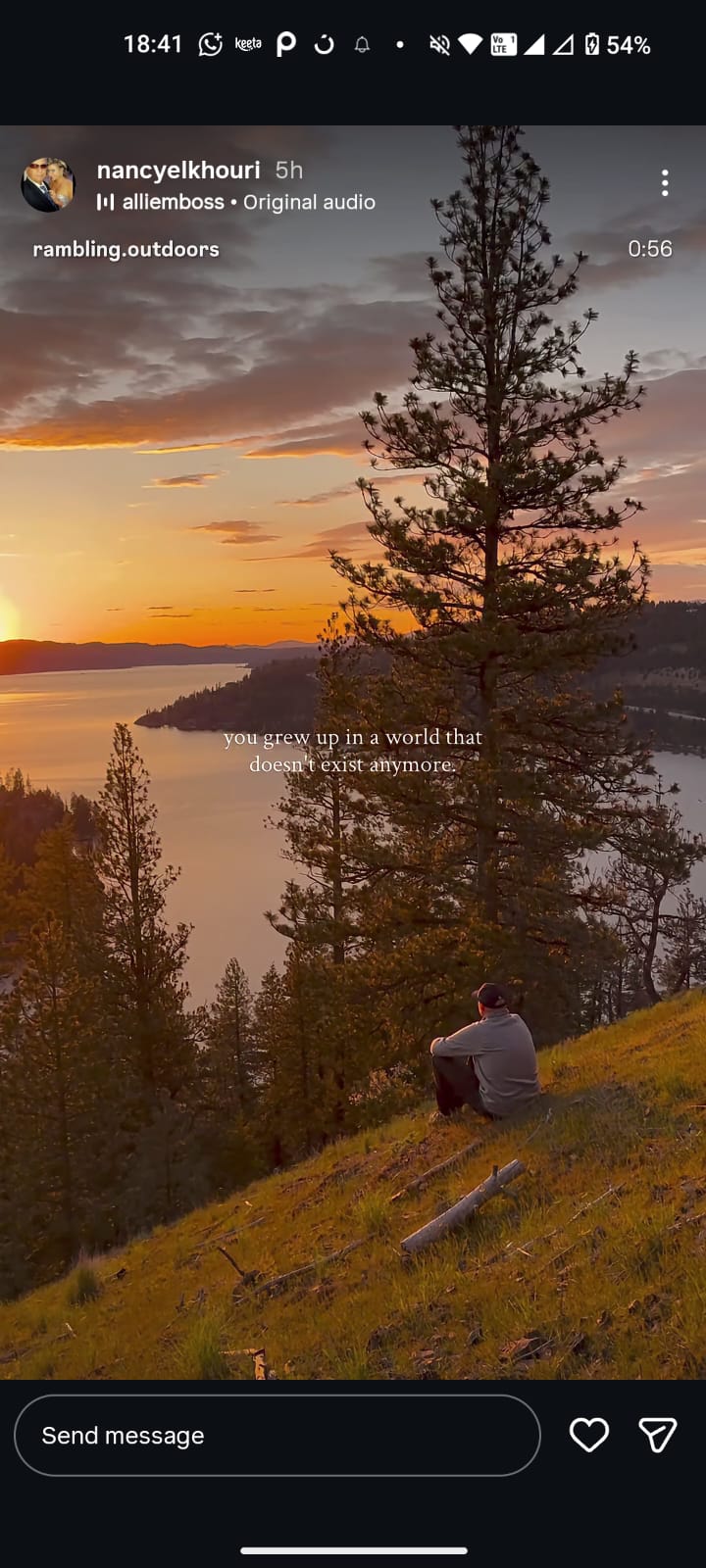
Step 2 — Tap the Three Dots and Copy the Link
In the top right corner of the Story, you'll see three dots (⋯). Tap them. A small menu slides up from the bottom of your screen.
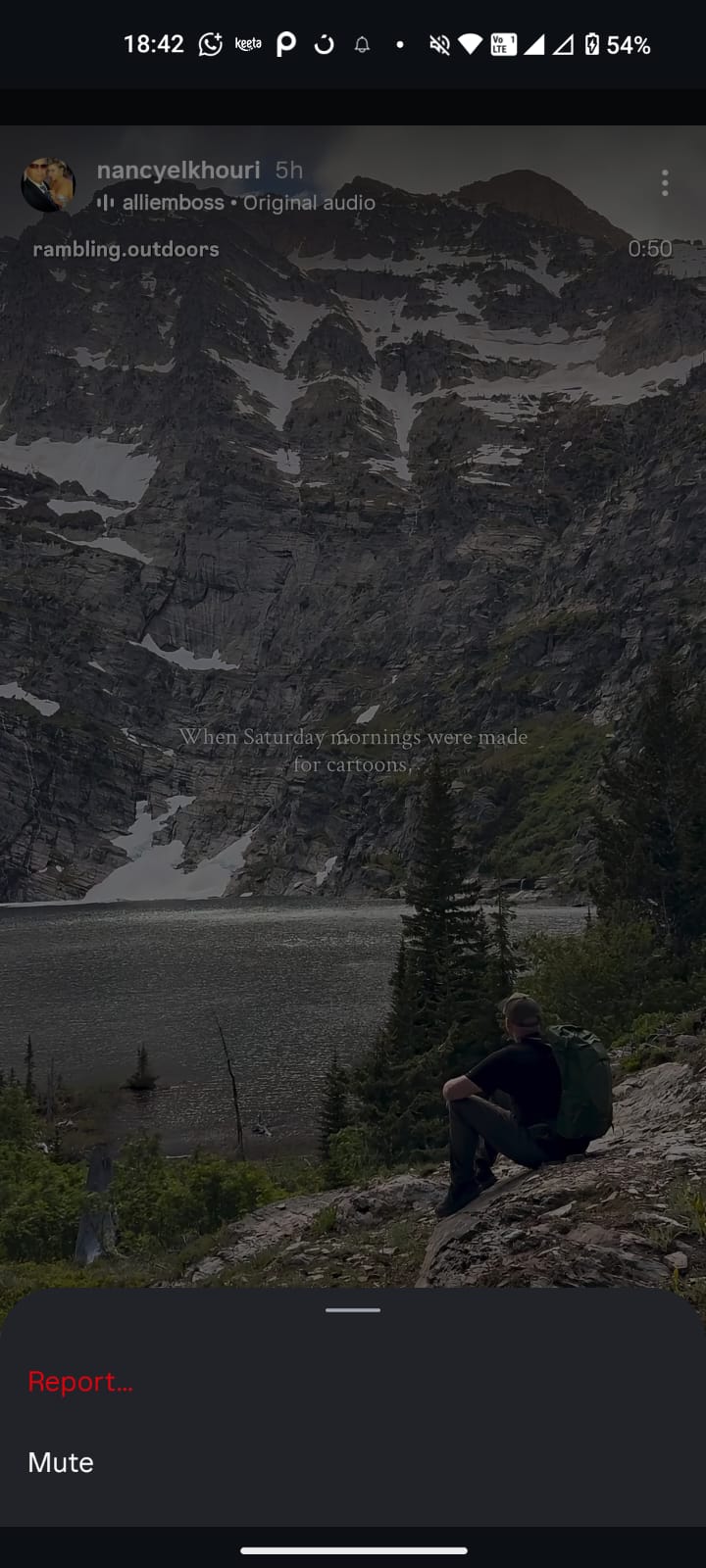
Instagram keeps quietly moving this option around between updates. On most versions you'll see "Copy Link" directly in that menu. On others — particularly older Android builds — it's buried under a share icon (looks like an arrow pointing right). If you don't see it immediately, that's where to look.
Step 3 — Go to LooMiReels and Paste the Link
Open your browser and go to loomireels.com. You'll see the download box right at the top of the page. Tap the input field and paste the Instagram Story link you just copied.
Step 4 — Hit Download and Save
Tap the Download button. Give it a few seconds — it's pulling the actual file from Instagram, not a compressed copy. When the Save button appears, tap it. That's the file going to your gallery, full quality, exactly as it was posted.
On iPhone, the video saves to your Photos app automatically. If a download prompt appears, tap "Download" to confirm. You may need to check the "Downloads" folder in Safari's Files integration if it doesn't go straight to Photos.
Does This Work for All Instagram Stories?
It works for any Story posted by a public account. If the account is private and you don't follow them, Instagram's servers won't serve the file — so no downloader, including LooMiReels, can fetch it. That's an Instagram-level restriction, not a tool limitation.
It works for both photo Stories and video Stories. For photo Stories, you'll get the full-resolution image rather than a compressed screenshot.
Only download content you have permission to use. Downloading someone's Story for personal reference is very different from redistributing it or claiming it as your own. Respect content creators and their work.
The Most Common Mistake People Make
Copying the link from the browser address bar instead of from inside the app. It looks like a valid Instagram URL. It isn't — at least not for this purpose. The browser URL for a Story is a viewer link, not a direct media link. The downloader can't do anything with it.
Always copy the link using the three-dot menu inside the Instagram app. That's the only link format that actually works.
What About Stories That Already Expired?
Once a Story disappears — after 24 hours — it's gone. Even Instagram doesn't serve it publicly anymore. There is no way to retrieve an expired Story from any downloader. The only exception is if the creator saved it to their Highlights, in which case it's still accessible.
This is why timing matters. If you see a Story you want to save, do it while it's still up.
Is It Safe to Use a Story Downloader?
Depends on which one. There are a lot of sketchy sites in this space — pop-ups, fake download buttons, and worst of all, forms asking for your Instagram login. Stop right there if you ever see that. A downloader does not need your password. Full stop. It's either harvesting credentials or it's broken. Neither is worth your time.
The way a legitimate downloader works is simple: you give it a public URL, it fetches what Instagram already serves publicly, you get the file. Your account never enters the picture. That's the only model that makes sense — and it's how LooMiReels works.